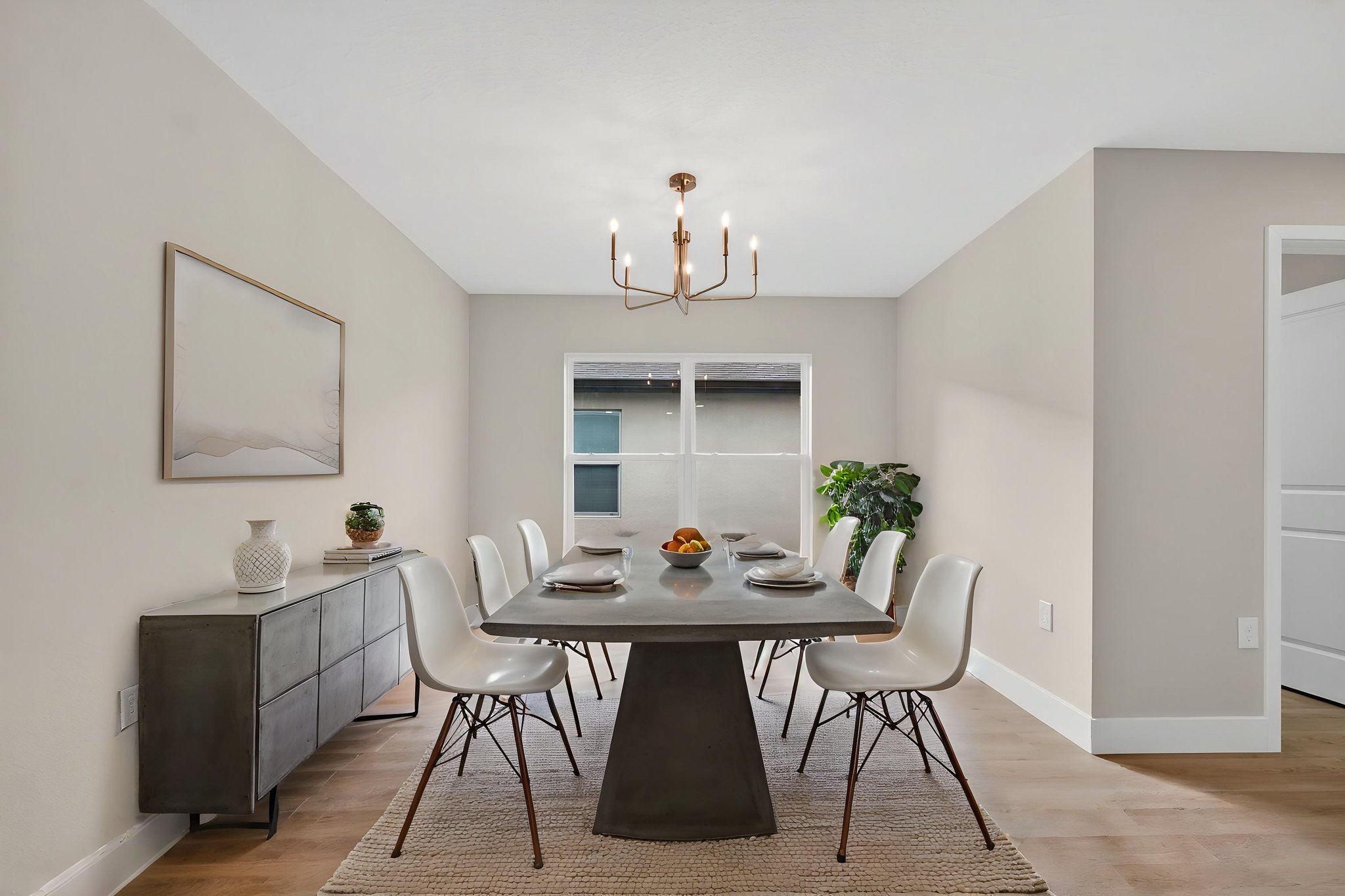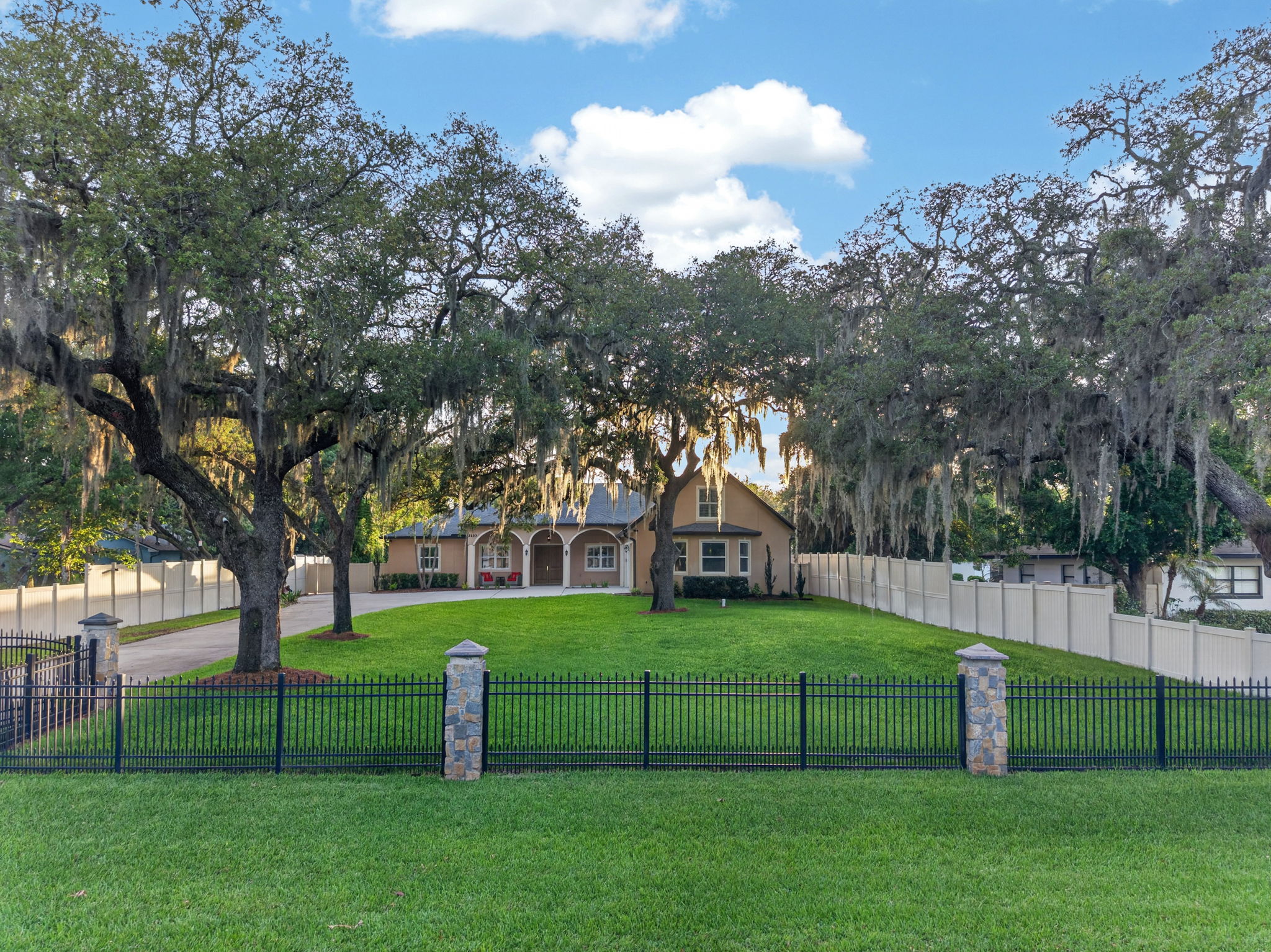
Yes, a Zillow 3D Tour can be worth it, but only when it helps buyers understand a home before they visit.
The short answer
Use a Zillow 3D Tour for listings with relocation buyers, a layout that still photos cannot explain, or a price point where buyers expect deeper media. Skip it for a simple, well-priced home likely to move quickly. The tour supports photography; it does not replace it. A clean, well-lit walkthrough matters more than simply adding the badge.
When a tour earns its place
A 3D Tour is an interactive walkthrough on Zillow. Buyers move from room to room and look around, which helps them understand how spaces connect.
It is most useful when buyers are shopping from outside Central Florida, when the home has a split plan, addition, loft, bonus room, or other layout that photos flatten, or when the listing needs a fuller presentation. It can reduce basic layout questions before a showing.
It is not a conventional video. A reel guides a viewer through a chosen story; a 3D tour lets a buyer explore on their own. That difference matters when the main concern is layout versus emotional impact.
Redfin's reporting on virtual tours, How Virtual Tours Can Help Your Home Sell Faster, reaches the same conclusion from several markets, ours included: the tour's value is the quality of the showings it produces, not the number. We looked at what that means for a Central Florida listing in 3D Tours and Faster Sales: What Redfin's Reporting Gets Right.
It is usually less useful for a small, conventional starter home that is priced to move. If the budget requires a choice, prioritize strong, accurate photography first. Use drone when lot, water, or neighborhood context is central to the listing.
How it fits the package
The Zillow 3D Tour with interactive floor plan is included in ASM Showcase and Premier. It is a $75 add-on with Signature or a photo-only shoot, and $150 standalone.
Photography explains the home at a glance. The 3D Tour explains the flow. Drone explains the land and surroundings. A directed film is a separate choice for social storytelling. These layers complement one another, but not every listing needs each one.
For example, a waterfront or large-lot home may need drone more than a 3D tour if the outdoor setting is the decision driver. A townhome with a surprising multi-level layout may benefit from the tour even when aerials add little. Start with the question a buyer cannot answer from still photos.
Make the capture useful
Prepare the home as carefully as you would for still photography. Clear clutter, turn on appropriate lights, and make sure important areas are accessible. A rushed capture with dark corners or stitching errors can make a home feel confusing or smaller than it is.
Use three questions: Are likely buyers remote? Does the layout need explanation? Does the listing strategy call for a fuller presentation? Two or three yeses support adding the tour. Otherwise, spend on the media that answers the home's real selling question.
Before publishing, open the finished tour as a buyer would. Check the starting view, room transitions, dark areas, and whether the order makes sense. If an important room is inaccessible or a capture issue makes the tour confusing, address it before the listing is live. The objective is confidence, not a longer media checklist.
Keep the tour accurate after it goes live. If the property changes materially before launch, confirm that the walkthrough still represents it fairly. A tour is most useful when it gives buyers a reliable view of the home they will actually see.
Review the current prices to see where the tour is included or available as an add-on.